📝 2444 words | ⏱️ 13 min read | 🗓️ May 21, 2026 | 👤 MaxSao
PC Building Simulator 2 – The Ultimate Virtual Workshop for Hardware Enthusiasts
💥A deeper, more realistic, and more satisfying evolution of the PC-building experience
PC Building Simulator 2 is the natural evolution of one of the most unexpectedly beloved simulation games of the last decade. What started as a niche educational tool has grown into a fully-fledged, highly polished experience that blends hardware authenticity, workshop management, and the joy of building dream PCs without budget constraints. The sequel pushes the concept further with improved visuals, deeper customization, more licensed components, and a refined career mode that mirrors the real-life challenges of running a PC repair and building business.
Whether you’re a hardware enthusiast, a beginner learning how components work, or simply someone who enjoys the therapeutic process of assembling machines piece by piece, PC Building Simulator 2 offers a surprisingly rich and rewarding experience.

Subscribe for Gaming Updates & New Releases !!
Stay up to date with the latest game reviews, fresh releases, and curated recommendations delivered straight to your inbox.
No spam, just clean, structured gaming content.. Unsubscribe at any time.

[ Story Overview ]
While PC Building Simulator 2 is not a narrative-driven game in the traditional sense, it does feature a structured Career Mode that acts as a light story framework. You take on the role of a new technician working in a small PC repair shop. Your goal is to grow the business, satisfy clients, and gradually unlock more advanced tools, components, and customization options.
The “story” unfolds through:
- Client emails describing their problems, budgets, and personalities
- Increasingly complex repair jobs
- Business upgrades that expand your capabilities
- Occasional humorous or quirky requests that add charm to the experience
It’s not a dramatic narrative, but it provides enough structure to make progression meaningful and engaging.
[ Gameplay & Features ]
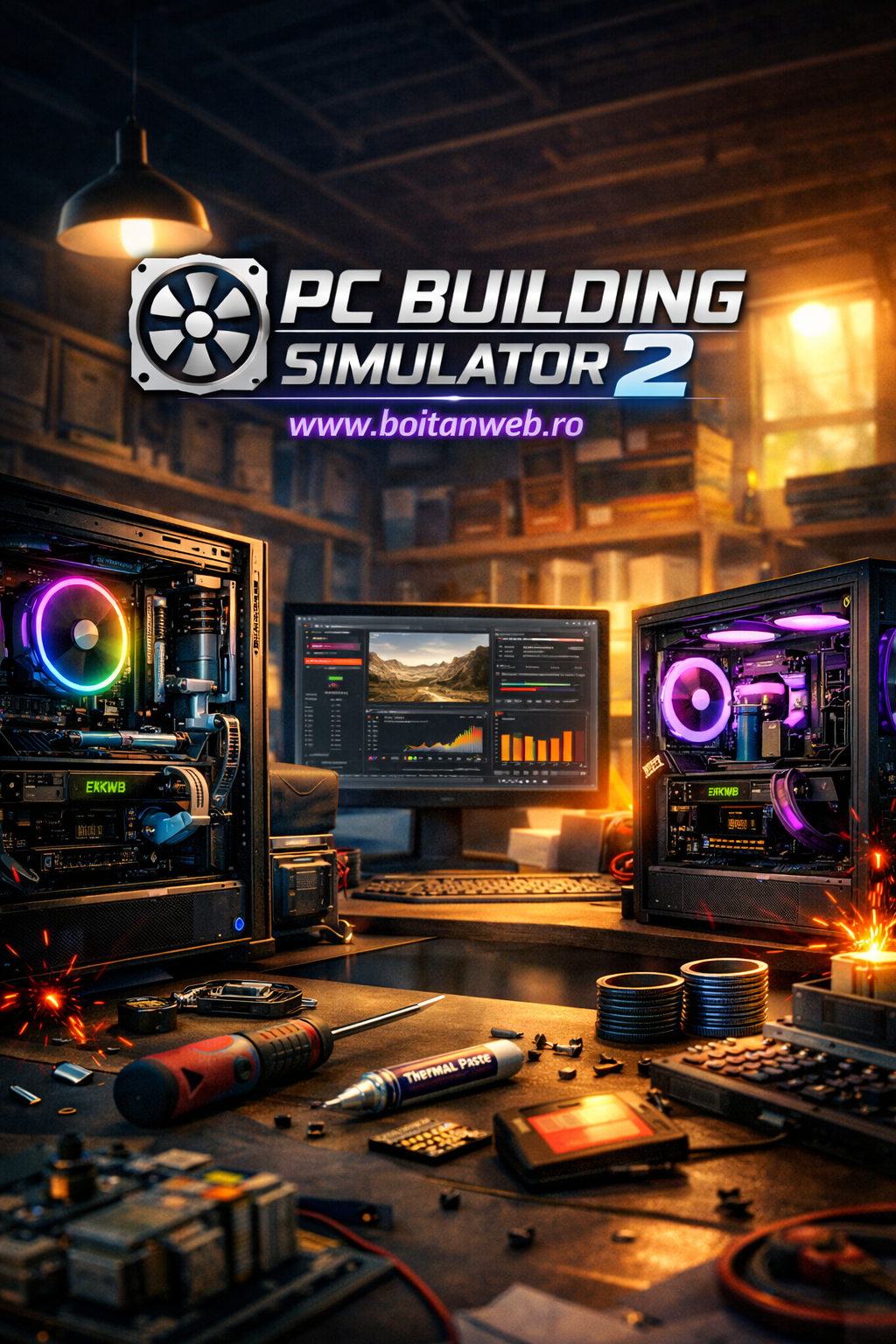
PC Building Simulator 2 expands nearly every system from the original game, offering a deeper and more realistic simulation of PC hardware.
1. Hyper-Authentic PC Building
The game features hundreds of licensed components from real manufacturers:
- CPUs from Intel and AMD
- GPUs from NVIDIA, AMD, and custom AIB partners
- Motherboards, RAM kits, SSDs, PSUs, coolers, and cases
- Custom water-cooling parts from EKWB and others
Every part behaves according to real-world specifications, including thermals, power draw, and performance.
2. Advanced Thermal and Power Simulation
The sequel introduces a more sophisticated simulation engine:
- Heat dissipation is more realistic
- Airflow matters more than ever
- Overclocking requires careful balancing
- Poor cable management or bad fan placement can affect temperatures
This makes building high-performance rigs more challenging and rewarding.
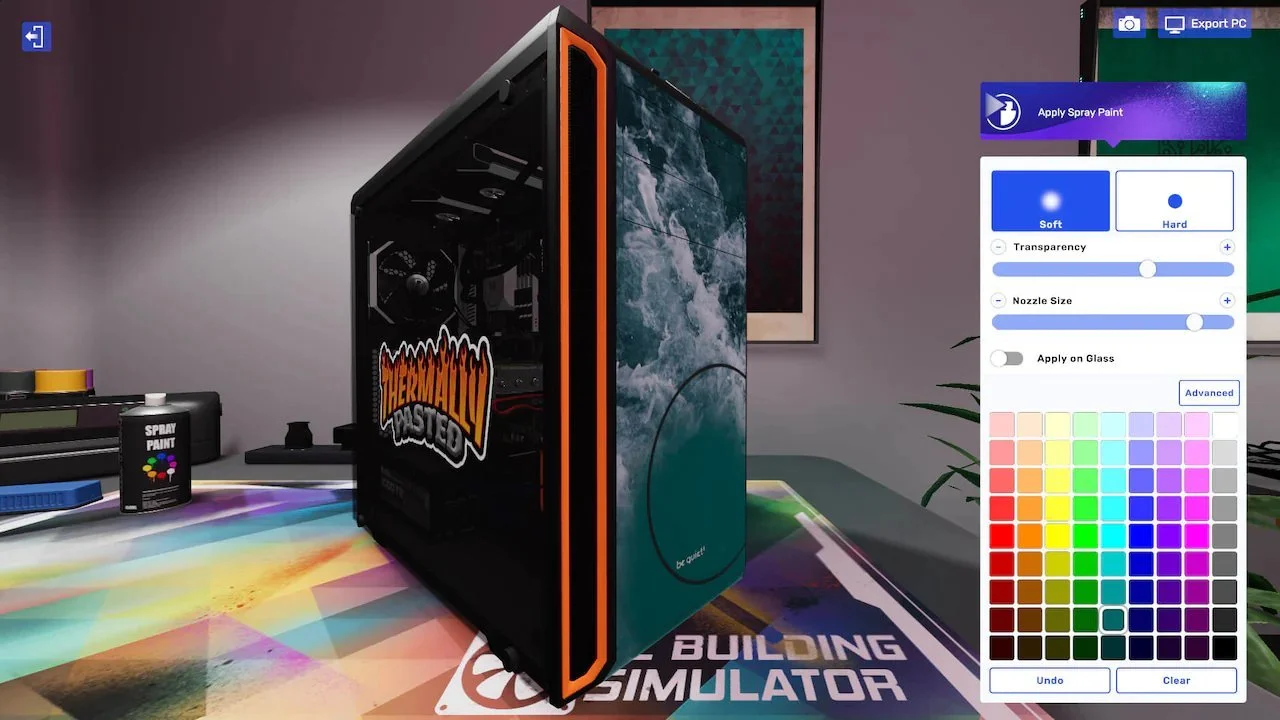
3. Deep Customization Tools
Players can personalize PCs with:
- RGB lighting systems
- Custom water loops
- Case painting
- Stickers and decals
- Cable color customization
The level of personalization is far beyond the first game.
4. Expanded Career Mode
Career Mode now includes:
- A more detailed workshop
- Better client variety
- More complex diagnostics
- Budget management
- Shop upgrades
- Reputation systems
It feels more like running a real business rather than just assembling PCs.
5. Free Build Mode
For players who want pure creativity:
- Unlimited budget
- All components unlocked
- Perfect for testing builds or creating dream PCs
This mode is a playground for enthusiasts.
6. Benchmarking & Performance Testing
The game includes:
- 3DMark benchmarking
- Thermal tests
- Stability tests
- Overclocking tools
It’s a surprisingly accurate representation of real-world PC tuning.
[ Graphics and Visual Style ]
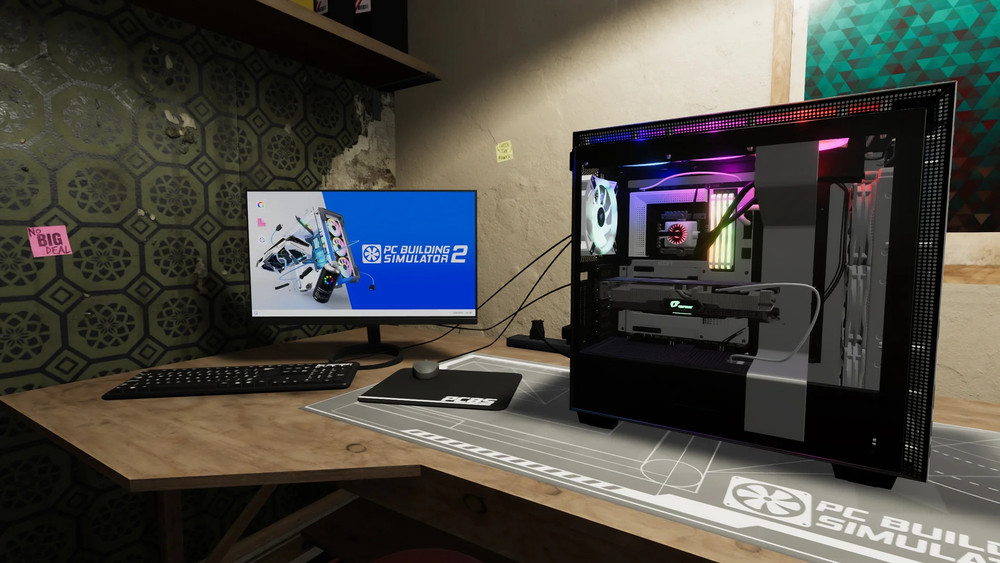
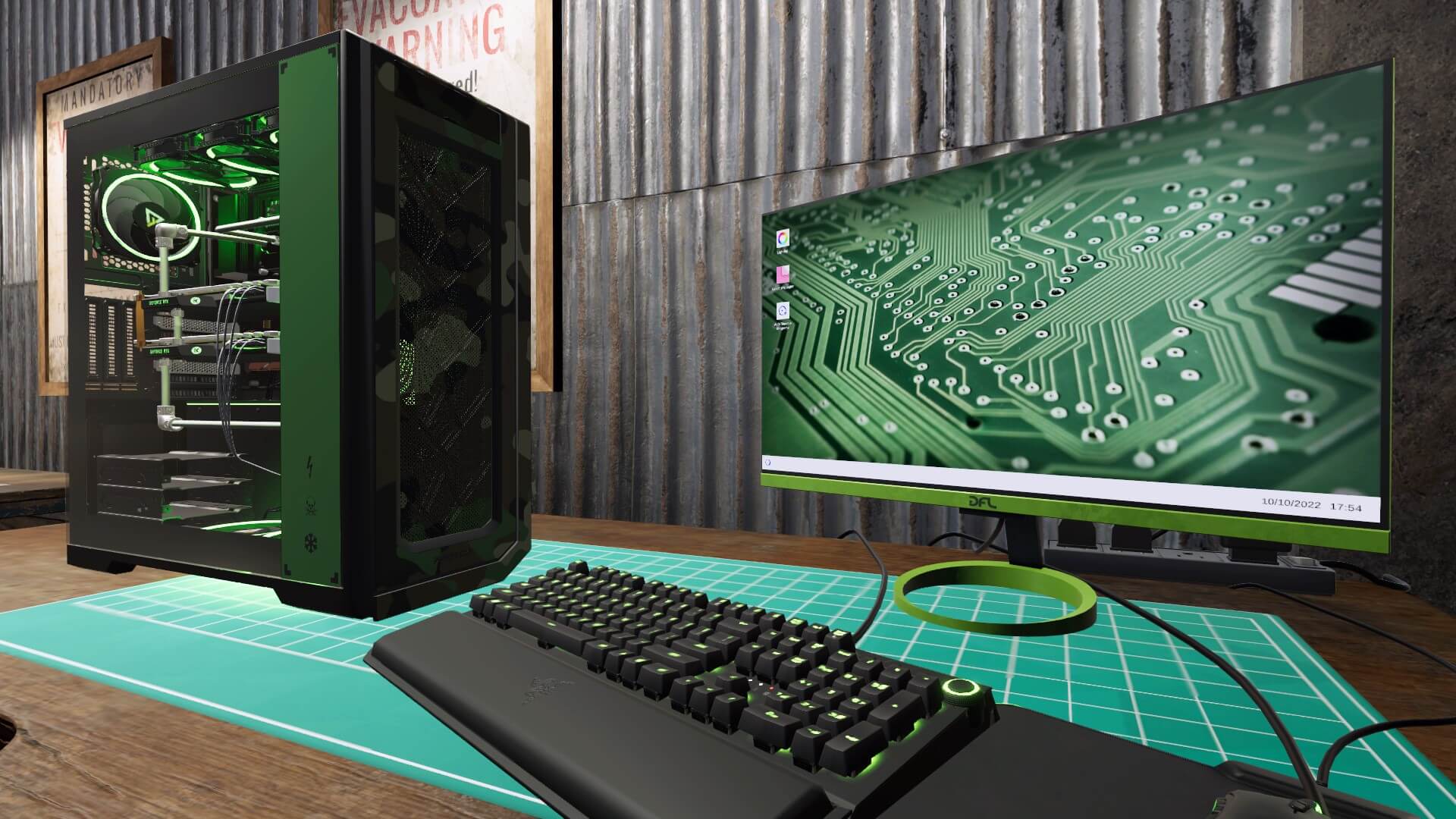
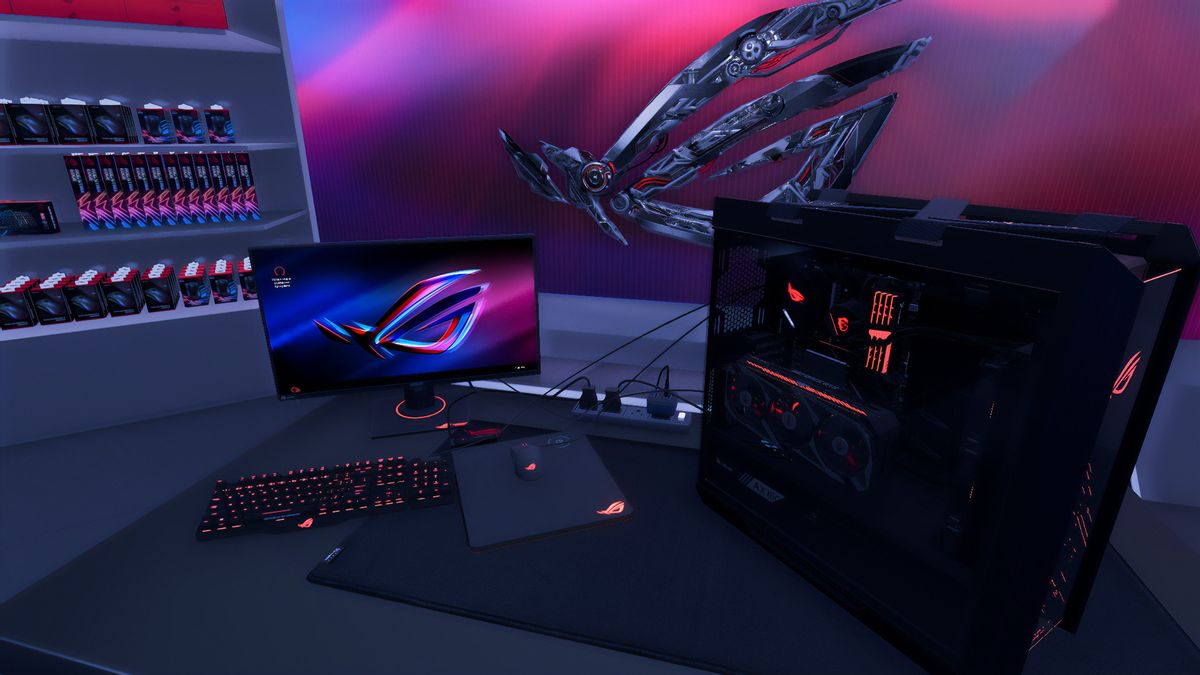
PC Building Simulator 2 features a significant graphical upgrade over its predecessor. The game uses high-resolution textures, improved lighting, and more detailed component models. Cases, GPUs, and water blocks look almost photorealistic, and the workshop environment feels more alive and polished.
Visual highlights include:
- Realistic reflections on tempered glass
- Detailed PCB layouts
- Accurate RGB lighting effects
- Smooth animations for installing components
- Clean UI with modern design
The game strikes a balance between realism and accessibility, making it both beautiful and easy to navigate.

[ Conclusion ]
One of the most surprising strengths of PC Building Simulator 2 is how effectively it teaches real-world hardware skills without ever feeling like a tutorial. The game mirrors the logic, structure, and workflow of actual PC building so well that, after a few hours, you start to understand compatibility, airflow, thermals, cable routing, troubleshooting, and even safe overclocking almost instinctively. It’s not a replacement for hands-on experience, but it absolutely builds the confidence and foundational knowledge needed to assemble or repair a real PC. In fact, many players discover that the moment they touch real hardware for the first time, everything feels familiar – the steps, the order, the components, the logic behind every decision. PC Building Simulator 2 won’t turn you into a certified technician overnight, but it can definitely turn you into the kind of person who knows what they’re doing, solves problems calmly, and becomes “the PC expert” among friends and family. And honestly, that’s part of the magic: a game that entertains you while quietly leveling up your real-life skills.
PC Building Simulator 2 is a love letter to PC hardware enthusiasts. It takes everything that made the original game a cult hit and elevates it with deeper systems, better visuals, more customization, and a more engaging career mode. Whether you want to learn how PCs work, experiment with high-end components, or simply enjoy the meditative process of assembling machines, this sequel delivers a polished and satisfying experience.
It’s not just a game – it’s a virtual workshop, a learning tool, and a creative sandbox all in one.
→ If you enjoy simulation games with a strong creative component, you might also like Fortune Seller, another unique title covered on BoitanWeb – read more about it here: Fortune Seller
★ PC Building Simulator 2 Wallpapers ★


[ 🖥️ PC System Requirements ]
| Minimum | Recommended |
|---|---|
| OS: Windows 10 (64-bit) | OS: Windows 10/11 (64-bit) |
| CPU: Intel Core i5-6600 or AMD Ryzen 5 2600 | CPU: Intel Core i7-8700 or AMD Ryzen 5 3600 |
| Memory: 8 GB RAM | Memory: 16 GB RAM |
| Graphics: NVIDIA GeForce GTX 1050 Ti or AMD Radeon RX 570 | Graphics: NVIDIA GeForce GTX 1660 Super or AMD Radeon RX 5600 XT |
| Storage: 30 GB | Storage: 30 GB |
[ Platforms ✦ Genre Classification ]
| Platforms | Genre Classification |
|---|---|
| PC (Windows) – the primary and only platform | Simulation |
| Available on the Epic Games Store | Management |
| Educational | |
| Sandbox | |
| It blends realistic hardware simulation with business management and creative freedom. |
[ Developer ✦ Publisher ✦ Release Date ]
| Developer | Publisher | Release Date |
|---|---|---|
| Spiral House Ltd. | Epic Games Publishing | October 12, 2022 |